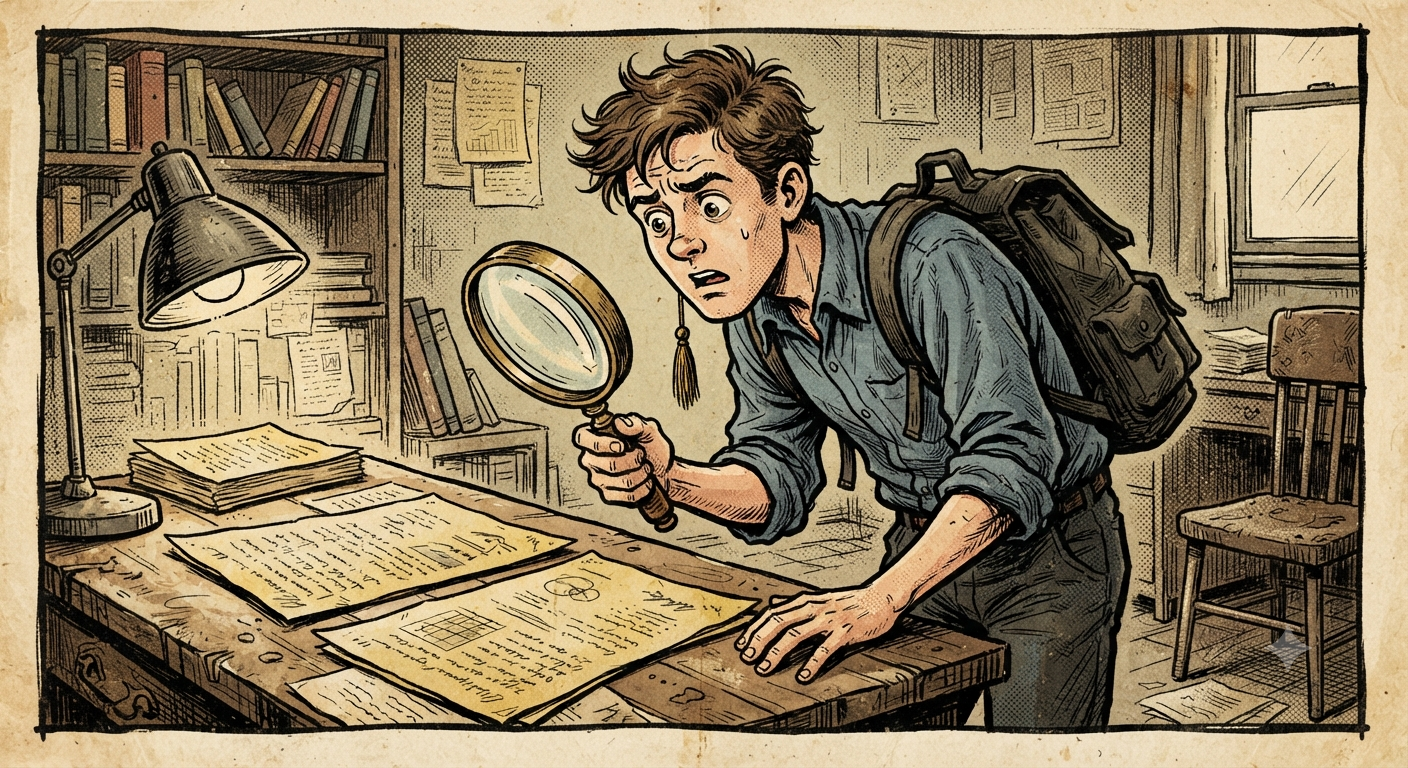
One file. Two formats. Only one gets read.
The format question that quietly decides who reads your resume
97.8% of Fortune 500 companies now run every incoming resume through an applicant tracking system before a human ever opens it, according to Jobscan's own state-of-the-job-search research. That means the file format you hit "save as" on isn't a cosmetic choice. It's the first gate your resume has to clear, and it's a gate most job seekers never think about until after they've been rejected.
The honest answer is that neither PDF nor DOCX is universally "safer." What actually matters is how the file was built, and whether the ATS your target company uses was designed around one format more than the other. Here's what to know before you attach anything.
Why DOCX still wins on older and enterprise ATS platforms
A lot of the largest enterprise applicant tracking systems, including Workday, Taleo, and iCIMS, were originally built to parse Word documents first. Their extraction engines read the underlying XML structure of a .docx file directly, which means job titles, dates, employers, and skills sections tend to come out clean and correctly labeled.
PDFs, by contrast, don't store text the way a Word document does. A PDF is fundamentally a set of instructions for where ink goes on a page, not a structured document. Depending on how it was generated, an ATS parser may need to reconstruct the text from that visual layout, and that reconstruction step is where things break.
Where PDF resumes actually fall apart
The failures aren't random. They cluster around a specific set of formatting choices:
- Multi-column layouts. Parsers often read across columns instead of down them, scrambling your work history into nonsense.
- Text boxes and design elements. Content placed in a text box, sidebar, or graphic frequently gets skipped entirely, meaning your skills or contact details vanish before a recruiter ever searches for them.
- Tables used for layout. Some parsers can't read table cells in the right order, so a role and its dates end up disconnected in the extracted text.
- Resumes exported from design tools like Canva or Photoshop rather than a standard word processor, which often embed text as images or non-standard character encoding.
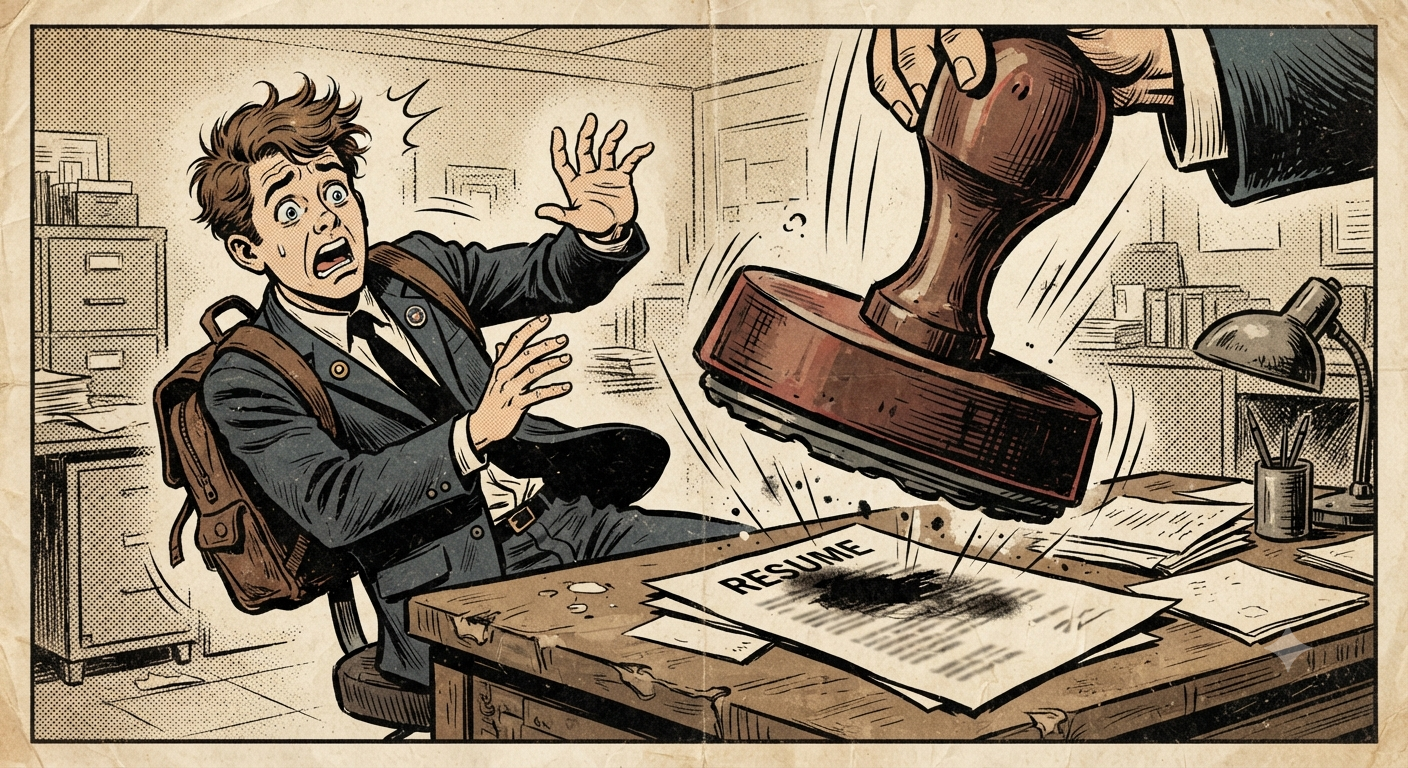
A messy layout gets stamped before a human ever looks.
A clean, single-column PDF exported from Google Docs or Microsoft Word rarely has these problems. The risk is concentrated in "designed" resumes, not PDFs as a category.
Where DOCX resumes fall apart
DOCX isn't automatically safe either. Some newer, AI-driven ATS platforms report inconsistent handling of special characters, unusual bullet styles, and headers or footers inside .docx files. A resume built with nested tables, text wrapping, or an unusual template can confuse a parser just as easily as a bad PDF can. And once a hiring manager opens the file directly instead of reading the parsed text, DOCX formatting is also more likely to shift depending on which version of Word (or Word alternative) they're using.
The practical rule for 2026 applications
Because the "right" answer depends on which ATS a specific employer uses, and that's almost never disclosed, the safest strategy is to control what you can control:
- Default to a single-column, text-based layout regardless of which file format you export, with no tables, text boxes, or graphics carrying real content.
- Follow the job posting's instructions exactly. If it says ".docx only" or "PDF preferred," that single line overrides every general rule in this post.
- Keep both formats ready. Export a clean version in each so you're never scrambling five minutes before a deadline.
- Test before you submit. Copy the text out of your exported file and paste it into a plain text editor. If job titles, dates, and bullet points come out in the right order and nothing is missing, most ATS platforms will parse it the same way.
The format debate matters less than most job seekers think, and the layout choices inside the file matter more. A plain, well-structured resume in either format will consistently outperform a beautifully designed one that a parser can't read.
Stop guessing which version of your resume actually gets through
Clean structure beats fancy design, every time.
Manually testing your resume against every possible ATS quirk isn't realistic. What is realistic is starting from a format that's already built to parse cleanly, in both PDF and DOCX, before you ever hit send.
Not sure which version of your resume actually survives the parser? Run it through OptiResume and get a clean, ATS-ready file in one click.
Try OptiResume free at ATOLIQ →
What is ATOLIQ?
ATOLIQ
is a free AI career readiness platform built on one idea: getting an interview
isn't one fix, it's four. Resume Check and
Role Match
show you exactly where you stand against a job. The
Skill Gap Planner
and Proof Builder
turn gaps into a plan and real evidence. OptiResume, AI Resume Rewrite, and the
LinkedIn Profile Optimizer
make sure the words on the page actually land. Start at
atoliq.com.


Comments
Post a Comment